English
English


1/2.3-inch CMOS
1/2.3-inch CMOS
1/2.3-inch CMOS
1/2.3-inch CMOS
1/2.3-inch CMOS
1/2.3-inch CMOS
1/2.3-inch CMOS
1/2.3-inch CMOS
1/2.3-inch CMOS
1/2.3-inch CMOS
1/2.3-inch CMOS
1/2.3-inch CMOS
1/2.3-inch CMOS
1/2.3-inch CMOS
1/2.3-inch CMOS
1/2.3-inch CMOS
1/2.3-inch CMOS


SDI/CVBS/HDMI-Compatible 3-in-1 Multi-functional Interface Board is a tailored integrated solution for Sony FCB series cameras. Connected via LVDS interface, it can output 3G-SDI, HDMI-Com-patible, and CVBS video signals simultaneously, offering diverse video output options for different scenarios. It features excellent automatic signal recogni-tion without requiring camera settings, ensuring stable and high-quality video output.
SDI/CVBS/HDMI-Compatible 3-in-1 Multi-functional Interface Board supports RS-485 control and has a bilingual OSD menu (Chinese/English) for intuitive operation. Common functions like zooming and focusing are easily accessible with button presses. It also automatically recognizes PELCO-D/P protocols, enhancing compatibility with various control systems.
Additional features include bilingual menu switching, power-off memory (saving user settings), preset positions, and auto-touring functions, providing convenience for monitoring tasks. Furthermore, It is compatible with
non-Sony cameras adhering to the Sony VISCA protocol, meeting diverse user needs and offering a cost-effective choice.
•Plug-and-Play HD Input: Connect the Sony FCB HD block camera via an LVDS cable. No additional configuration is required. The device can automatically recognize and clearly display the HD SDI signal, enabling convenient plug-and-play access.
•Flexible Parameter Setting: The OSD menu can be called up by means of buttons, and RS-485 control keyboard, or a decoding board. It is convenient for users to set various technical parameters of the board, and the set parameters can be saved.
•Multi-Format Synchronous Output: It can synchronously output 3G-SDI, HDMI-Compatible, and CVBS signals. It is convenient for the construction site to use the engineering tool to adjust the position and parameters of the camera through these signals.
•Infrared Light Synchronization: Provide an infrared light external synchronization interface. Cooperate with the board's parameter setting, which can effectively avoid the asynchronous phenomenon of color to black and ensure the stable operation of the camera.
•Standard Serial Port Control: Support RS-485 control, can automatically recognize the PELCO-D/P protocol; the baud rate can be selected as 2400/4800/9600 bps; the address configuration range is 1- 255.
•Power-off Parameter Memory: The saved parameters have a power-off memory function. There is no need to reset after the device restarts, saving time and effort.
•RS-232 Communication Interface (Optional): Provide RS-232 or TTL232 interface (optional) for convenient communication between the device and a computer or MCU, expanding the application range of the product.
•Safe Video Format Switching: It has a unique video format emergency setting function. When there is no image display, the video format can be switched to 720P50, 1080I50, or CVBS. It can also be switched remotely through an RS-485 control keyboard.
•Preset Position and Automatic touring (Optional): Provide 10 unique preset positions and an automatic touring function (optional). The touring time can be set from 5-999 seconds, improving the monitoring efficiency and coverage range.
•Auxiliary Device Control (Optional):Optional auxiliary function switches are available for convenient control of external devices such aswipers, improving the practicability and flexibility of the product.
Brand | Model | Supported SDI Video Formats |
Sony | FCB-EV9520L | 1080P60, 1080P59.94, 1080P50, 1080P30, 1080P29.97, 1080P25 1080I60, 1080I59.94, 1080I50 720P60, 720P59.94, 720P50, 720P30, 720P29.97, 720P25 |
FCB-EV9500L | ||
FCB-EV7520A | ||
FCB-EV7520 | ||
FCB-EV7100 | ||
FCB-EH6300 | 1080P30,1080P29.97, 720P60,720P59.94,720P50,720P30,720P29.97,720 | |
Volers | VRS-HD5101 | 1080P60, 1080P50, 1080P30, 1080P25, 720P60, 720P50,720P30,720P25 |
VRS-HD5201 | ||
VRS-HD5301 | ||
VRS-HD5363 | ||
VRS-HD5365 | ||
Tamron | MP3010M-EV |
*Note: This product supports Sony FCB HD cameras and non-Sony cameras compatible with the Sony VISCA-command.
Video Output Format | 3G-SDI,CVBS,HDMI-Compatible synchronous output | Communication Protocol | RS-485 (standard), RS-232 (optional), TTL-232 (optional) |
PELCO Protocol | Auto-recognition of PELCO-D, PELCO-P protocols | Video Format | 1080P、1080I、720P |
Operating Temperature | -5~65°C ( 23°F~149°F) | Power Supply | DC12V 1A |
Weight | Approx. 56.2g | Dimensions | Approx. 65*55*32mm |
Number | Pin Type | Pin Definition |
F1 | 5-way switch | Supports focus adjustment, zoom control, and menu calling functions. |
F2 | HDMI interface | Supports focus adjustment, zoom control, and menu calling functions. |
F3 | LVDS socket | Supports focus adjustment, zoom control, and menu calling functions. |
F4 | CVBS interface | TTL_RXD and TTL_TXD are TTL232 communication interfaces (3.3V) for MCU serial communication. They can control the camera and, by setting the control switching port low, communicate with the USB's internal serial port to send MCU data to the computer. |
F5 | SDI interface | |
F6 | Power indicator | |
F7 | 8Pin vertical socket with 3.81mm pitch | Interface definition as shown in Table F7-1. |
F8 | 4Pin vertical socket with 2.0mm pitch | Interface definition as shown in Table F8-1. |
 Front Side of the product
  Rear of the product
 Table: F7-1 | |||
1 | 12V + | 5 | FOCUS control terminal |
2 | 12V - | 6 | ZOOM control terminal |
3 | Control common terminal | 7 | RS485- |
4 | IRIS control terminal | 8 | RS485+ |
Table: F8-1 | |
1 | Auxiliary function interface |
2 | Auxiliary function interface |
3 | Infrared synchronization |
4 | GND ground |
Model No. | Communication Method |
PCB-HD201 | With RS-485 control |
PCB-HD202 | With RS-485 & RS-232 control |
PCB-HD203 | With RS-485 & TTL-232 control |
|
|
|
|
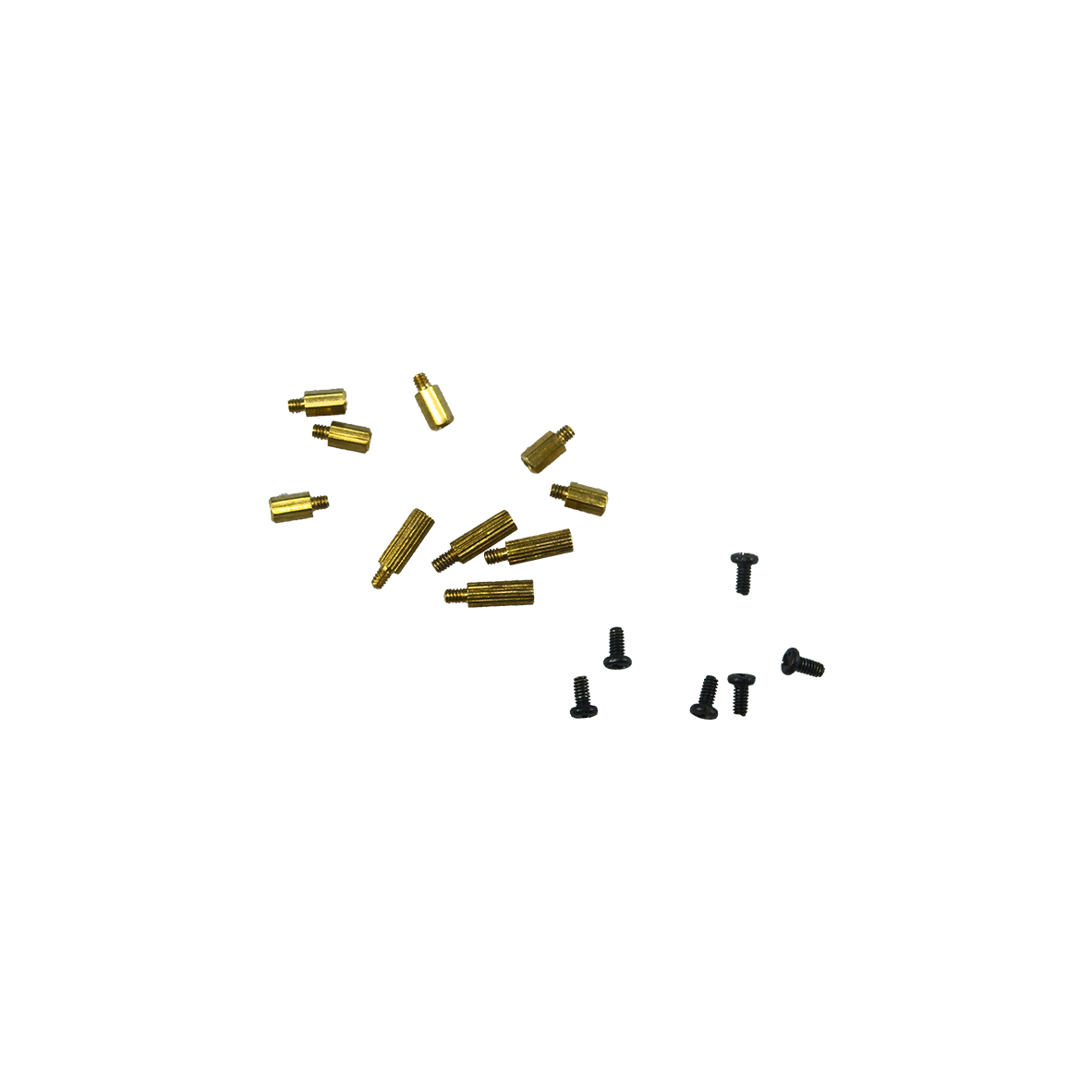
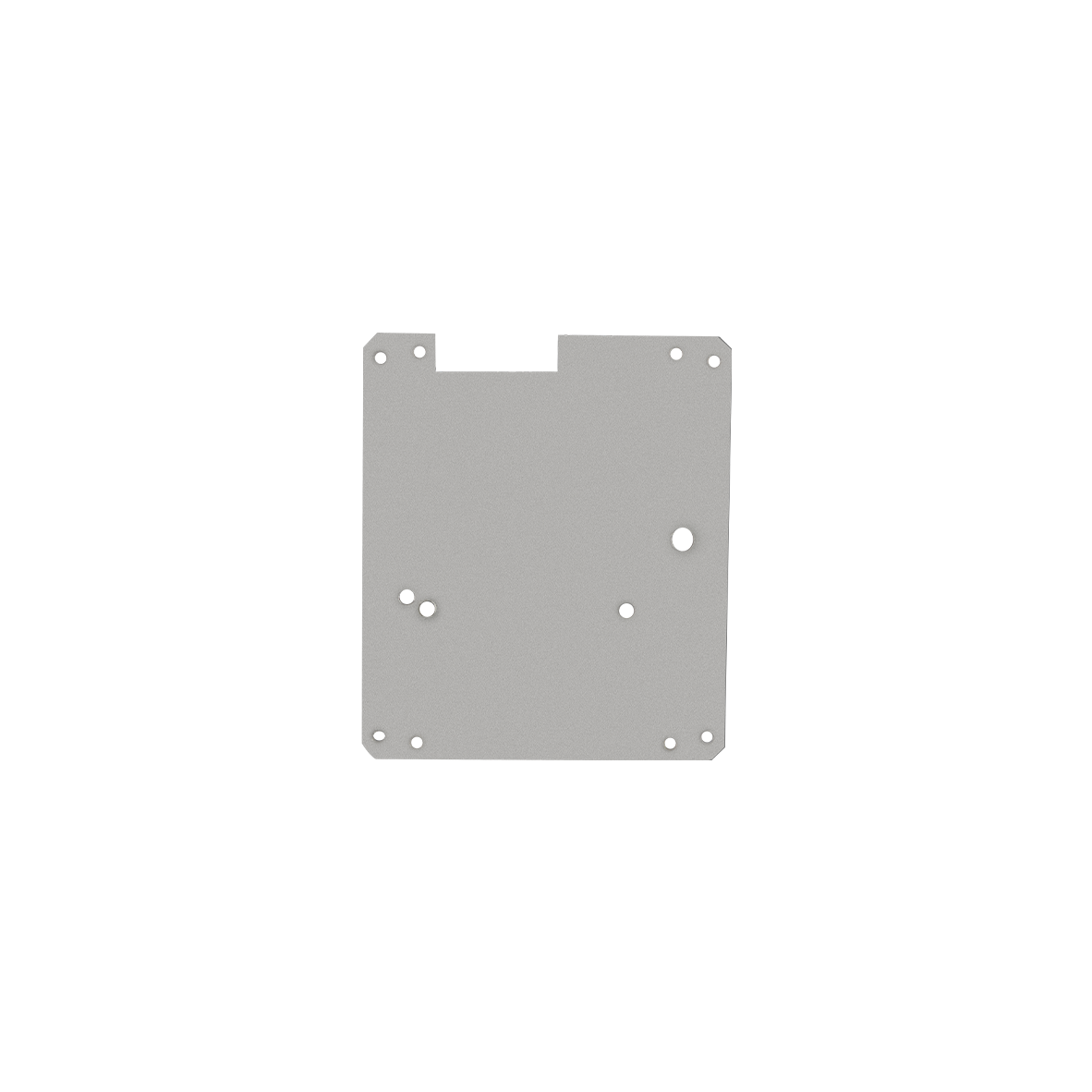
LVDS Coaxial Cable (80mm), Customizable Length (Optional) | 4-Pin Terminal Wire (150mm) (Standard) | Screw/Copper pillar: M2*5 (Optional) | Iron Plate(50*50mm) (Optional) |
 |  |  |
a. Interface board assembled with Sony Block camera FCB-EV9520L | b. Interface board assembled with Sony Block camera FCB-EV9500L | c. Interface board assembled with Sony Block camera FCB-EV7520 |
*Note:The product supports individual purchase or "block camera+interface board" package purchase. The whole set comes without pre-installation by default. Specify installation needs when ordering.
Preparation
|
|
|
|
|
Exemplified by FCB-EV9520L | 30pin micro coaxial cable | 4Pin Terminal Wire | Screw/Copper pillars | Iron Plate |
Connection Steps
|
|
|
StepⅠ: 1.Physically separate the A Board from the B Board (as shown in Figure ① above). Note: Align with the holes during separation. | Step Ⅱ: 3. Install four copper pillars onto the rear of the camera (as shown in Figure ③ above). Caution: Plug in the micro coaxial cable with gold-plated pins on camera facing up. Reverse insertion is strictly prohibited. | Step Ⅲ: 5. Install four copper pillars onto the iron plate (as shown in Figure ⑤ above). |
 |  |  |
Step Ⅳ: 6. Connect the other terminal of the 30-pin micro coaxial cable to the A board (as shown in Figure ⑥ above). Warning: Gold pins facing up | No reverse insertion (risk of device damage) | Step Ⅴ: | Step Ⅵ 8. The A board and B board are physically connected via a flexible flat cable (as shown in Figure ⑧ above). |
 |  | |
Step Ⅶ Physically install the B board onto the A board and tighten the screws (as shown in Figure ⑨ above) | Step Ⅷ 10. Connect the 4-pin terminal wire to the 4-pin socket on interface board (as shown in Figure ⑩ above). |
Thank you very much for purchasing our company's products. If you have any questions, please feel free to contact us.
The photos and actual objects depicted in this Manual are provided solely for reference and guidance to users.
We do not guarantee that they are completely identical to the actual products. Please refer to the actual products.
Design, features and specifications are subject to change without notice.
| Image | Product Name |
|---|---|
 | PCB-HD401 Compact 3-in-1 Interface Board with SDI/CVBS/LVDS-Loop-out |