English
English


1/2.3-inch CMOS
1/2.3-inch CMOS
1/2.3-inch CMOS
1/2.3-inch CMOS
1/2.3-inch CMOS
1/2.3-inch CMOS
1/2.3-inch CMOS
1/2.3-inch CMOS
1/2.3-inch CMOS
1/2.3-inch CMOS
1/2.3-inch CMOS
1/2.3-inch CMOS
1/2.3-inch CMOS
1/2.3-inch CMOS
1/2.3-inch CMOS
1/2.3-inch CMOS
1/2.3-inch CMOS


4KP60 HDMI-Compatible Interface Board is specifically designed to be compatible with Sony FCB 4K full-series UHD camera modules, and is also compatible with most 4K camera modules that have the same interface specifications as the FCB series. It can work with multiple FCB-CR/ER8500 series FCBs from Sony, including but not limited to FCB-ER9500, FCB-EW9500H, FCB-CR/ER8530,FCB-CR/ER8550, FCB-CS/ES8230, and FCB-CR/ER8300, allowing new users to achieve optimal performance during the integration and development process.
4KP60 HDMI-Compatible Interface Board supports 4K HDMI-Compatible ultra-high-definition video signal output, and can be integrated and developed via the control board of Sony 4K UHD camera modules.
It is applicable to fields such as drone aerial photography, video conference systems, medical equipment, and other various professional instruments and devices, meeting the needs of different industries for high-definition video transmission, encoding, and display.
• Resolution Support: The product supports multiple resolution outputs including 2160P, 1080P and 720P, with a maximum output resolution of 3840×2160P60, fully meeting HD and UHD video requirements.
• Connection & Signal Output: Connect to the camera module via an ultra-fine coaxial cable to output 4K HDMI-Compatible UHD video signals. No configuration of the camera module is required during this process, as the product supports automatic recognition.
• Rich Optional Features: The product comes with exclusive optional functions, including power-off memory, preset position setting and auto touring, providing users with a more convenient and intelligent operation experience.
• Communication Interface Support: It supports RS232 or TTL232 communication interfaces (optional), facilitating data transmission and command control with other devices, and enhancing the product's compatibility and expandability.
Brand | Model | 4K HDMI-Compatible |
Sony | FCB-ER9500 | 2160P60, 2160P50, 2160P30, 2160P25 1080P60, 1080P59.94, 1080P50, 1080P30, 1080P25, 720P60, 720P50, 720P30, 720P25 |
FCB-EW9500H | ||
FCB-CR8530 | 2160P30,2160P25 1080P60, 1080P59.94,1080P50,1080P30,1080P25 720P60,720P50,720P30,720P25 | |
FCB-ER8530 | ||
FCB-CR8550 | ||
| FCB-ER8550 | ||
| FCB-CS8230 | ||
| FCB-ES8230 | ||
| FCB-CR8300 | ||
| FCB-ER8300 |
Note: Compatible with 4K block cameras of other brands that share Sony Visca command.
Compatible Camera Module | Sony FCB Ultra HD Series | Video Output Format | 2160P, 1080P, 720P |
Communication Interface Control | RS-485 (standard), RS-232 or TTL232(optional) | Video Output Interface | HDMI-Compatible Type A |
Operating Temperature | -5~65℃ (23~149℉) | Power Supply | DC12V 1A |
Product Net Weight | Approx 10.6g | Product Dimensions | Approx 42*42*8mm |
Number | Type | Function |
F1 | HDMI-Compatible Type-A Output Interface | For transmitting ultra-high-definition video signals |
F2 | LVDS Socket | Interfaces with the LVDS port of the camera module |
F3 | Five-way switch | Supports focus adjustment, zoom control, and menu call functions |
F4 | Moles Connector (J44): Model 532610671,Using 6Pin connector with 1.25MM pitch | Interface definition as shown in the table on the right: F4-1 |
| F5 | Moles Connector (J4): Model 532610771,Using 7Pin connector with 1.25MM pitch | Interface definition as shown in the table on the right: F5-1 |
Table: F4-1 | Table: F5-1 |
Front Side of the product | ||||||
1 | GND | 5 | Zoom in | 1 | GND | 5 | RS 485 A | |
2 | Menu | 6 | Zoom out | 2 | RX | 6 | GND(DC 12V -) | |
3 | Downward to Focus close | 3 | TX | 7 | DC 12V + | |||
4 | Upward to Focus close | 4 | RS 485 B | |||||
Model No. | Communication Method |
PCB-UD010 | With RS-485 control |
| PCB-UD011 | With RS-485 control and RS-232 control |
| PCB-UD012 | With RS-485 control and TTL-232 control |
|
|
|
|
|
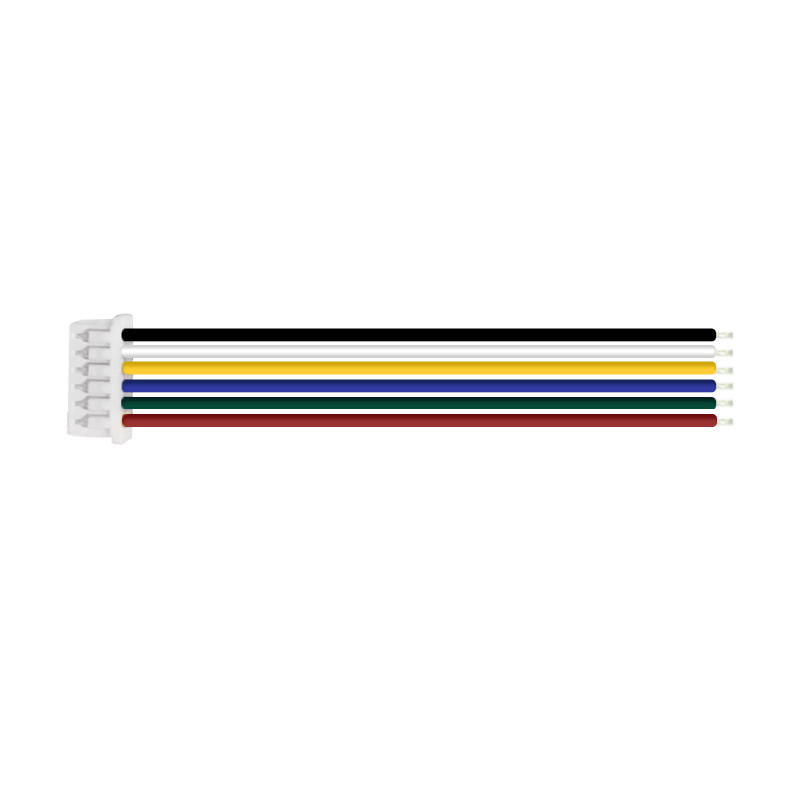
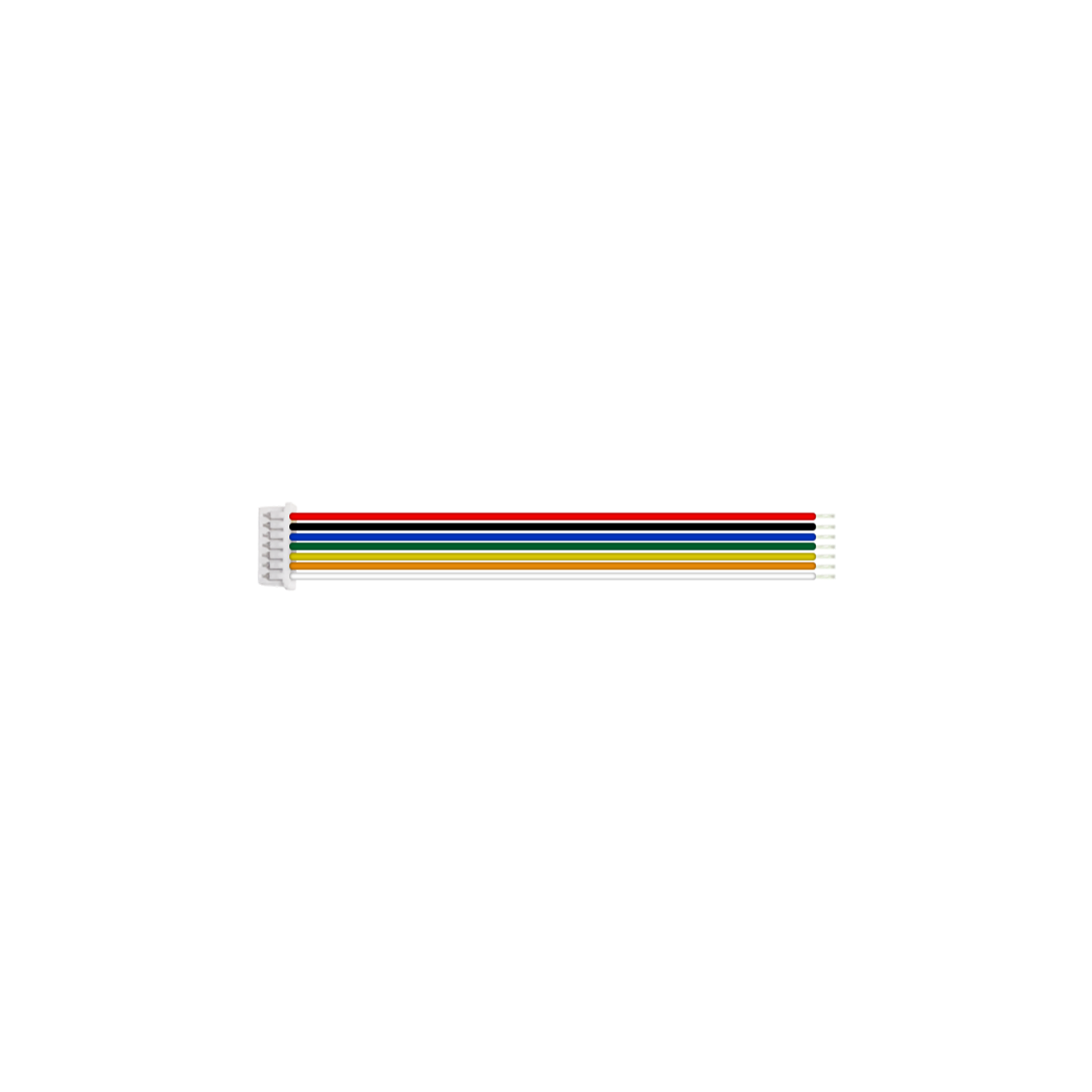
LVDS Coaxial Cable (80mm), Customizable Length (Optional) | 6-Pin Terminal Wire (150mm) (Standard) | 7-Pin Terminal Wire (150mm) (Standard) | Screw/Copper pillar: M2*5 (Optional) | Iron Plate(50*50mm) (Optional) |
 |  |  |
a. Interface board assembled with Sony Block camera FCB-ER9500 | b. Interface board assembled with Sony Block camera FCB-EW9500H | C. Interface board assembled with Sony Block camera FCB-ER8530 |
*Note: The product supports individual purchase or "block camera+interface board" package purchase. The whole set comes without pre-installation by default. Specify installation needs when ordering.
Preparation
|
|
|
|
|
|
Feference model:FCB-ER9500 | 30Pin LVDS Coaxial Cable | 6Pin Terminal Wire | 7Pin Terminal Wire | Screw/Copper pillars | Iron Plate |
Connection Steps
Physical Assembly Steps Only (No Electrical Work)
Notes: The steps demonstrate physical connection only-electrical connection is excluded. No image output at this stage. For electrical connection assistance, contact technical support.
|
|
|
Step Ⅰ: 1. Install four copper pillars at the rear of the camera (as shown in Figure ① above). | Step Ⅱ: 2. Install the iron plate at the rear of the camera and tighten the screws (as shown in Figure ② above). 3. Install the iron plate on the copper pillars (as shown in Figure ③). | Step Ⅲ: 4. Connect one terminal of the 30-pin micro coaxial cable to the Ultra HD block camera (as shown in Figure ④ above). 5. Connect the other terminal of the 30-pin micro coaxial cable to the interface board (as shown in Figure ⑤ above). Warning: Gold pins facing up | No reverse insertion (risk of device damage) |
 |  |  |
Step Ⅳ: 6. Install the interface board at the rear of the block camera and tighten the screws.(as shown in Figure ⑥ above). | Step Ⅴ: | Step VI: 8. Physically connect the interface board with the power cable (as shown in Figure ⑧ above). |
Thank you very much for purchasing our company's products. If you have any questions, please feel free to contact us.
The photos and actual objects depicted in this Manual are provided solely for reference and guidance to users.
We do not guarantee that they are completely identical to the actual products. Please refer to the actual products.
Design, features and specifications are subject to change without notice.
| Image | Product Name |
|---|---|
 | FCB-ER9500 Sony 4K60P HDMI-Compatible Output 25X Zoom Block Camera |
 | FCB-ER8530 Sony 20X Zoom Block Camera 4K HDMI Compatible Output |
 | FCB-EW9500H Sony HDMI-Compatible CMOS 30x Zoom Block Camera |
 | FCB-ES8230 Sony 4K HDMI-Compatible Ultra HD 12X Zoom Block Camera |