English
English


1/2.3-inch CMOS
1/2.3-inch CMOS
1/2.3-inch CMOS
1/2.3-inch CMOS
1/2.3-inch CMOS
1/2.3-inch CMOS
1/2.3-inch CMOS
1/2.3-inch CMOS
1/2.3-inch CMOS
1/2.3-inch CMOS
1/2.3-inch CMOS
1/2.3-inch CMOS
1/2.3-inch CMOS
1/2.3-inch CMOS
1/2.3-inch CMOS
1/2.3-inch CMOS
1/2.3-inch CMOS


12G-SDI Interface Board compatible with Sony FCB series 4K UHD camera modules, as well as third-party 4K camera modules conforming to Sony interface protocols.
Fully supports professional-grade models including FCB-ER9500, FCB-EW9500H, FCB-CR/ER8530, FCB-CS/ES8230 and FCB-CR/ER8300.
12G-SDI Interface Board equipped with HDMI 2.0-compatible interface, it outputs 4K UHD (3840×2160)@60Hz digital video signals, delivering lossless real-time transmission of original 4K image quality. It achieves cinema-level visual effects on professional 4K monitors, ideal for broadcast-grade 4K HDR surveillance, medical imaging and other high-end professional applications.
• Plug-and-Play Signal Adaptation
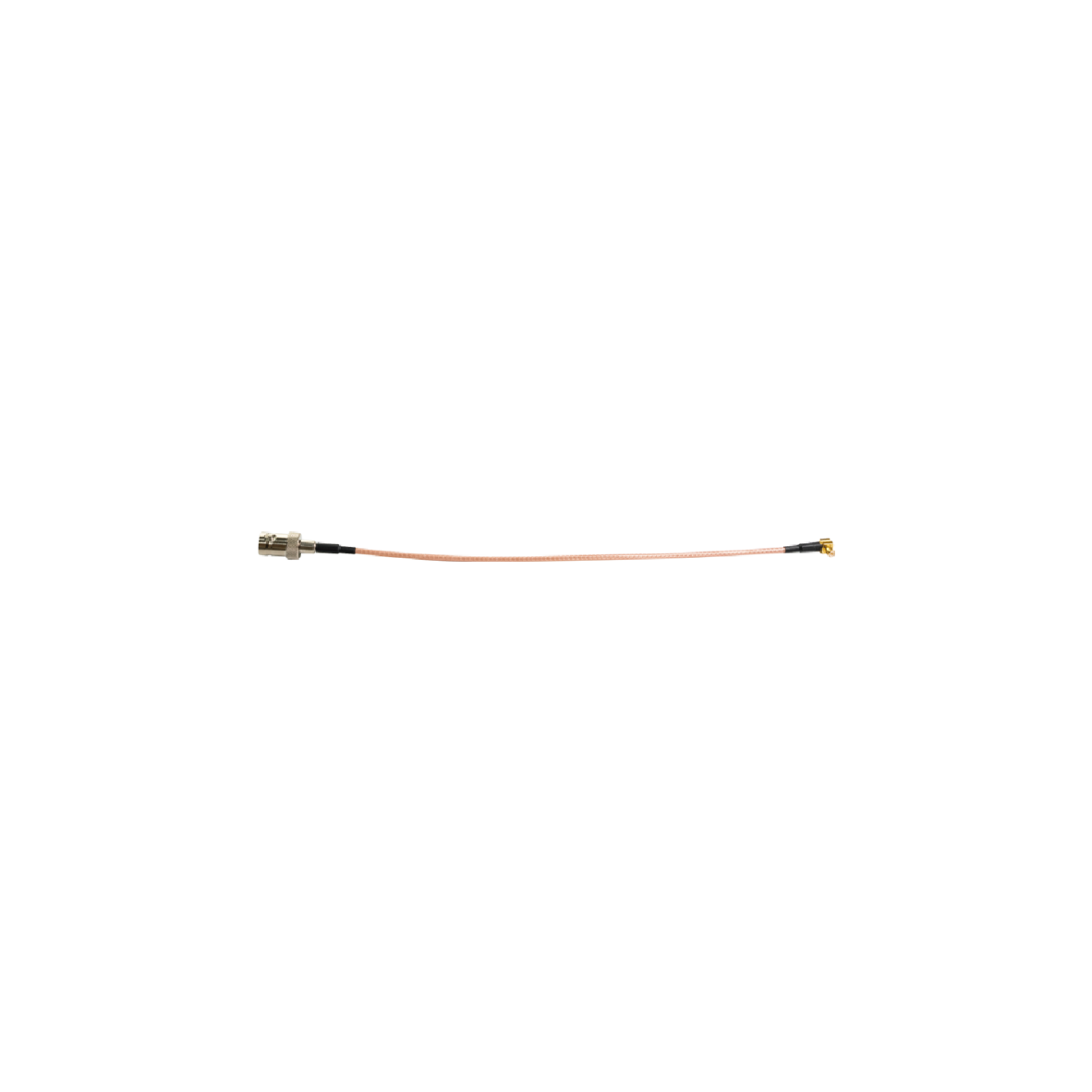
Connect directly to Sony 4K UHD camera modules via a LVDS cable. The camera module requires no manual configuration; it automatically recognizes and outputs ultra-high-definition SDI and 4K HDMI-compatible signals for rapid deployment.
• Convenient Parameter Configuration
Access the OSD menu flexibly via physical buttons, a RS485 control keyboard, or a decoder board. Easily configure and save the camera module's technical parameters for efficient operation.
• Dual-Channel UHD Output
Features simultaneous dual-video output via 12G-SDI and 4K HDMI-Compatible, supporting a maximum resolution of 8 megapixels (3840×2160@60fps).
• Multiple Control Methods
Compatible with RS232 (TTL-232), RS485 control keyboards, and external button controls, adapting to diverse operational scenarios.
• Intelligent Protocol Adaptation
Via RS485 control, the device automatically identifies PELCO-D and PELCO-P protocols. Configurable baud rates (2400/4800/9600 bps) and device addresses (1–255) ensure precise equipment control.
• Power-Off Parameter Retention (Optional)
Retains saved camera parameters even after power loss. No re-configuration is needed after a restart, ensuring parameter stability and user-friendly operation.
• External Function Expansion (Optional)
External buttons support functions such as zoom, focus, gain, and white balance to meet diverse operational requirements.
• Customizable GPIO Service
GPIO pin functions support custom development (additional software development fees apply), offering flexible function expansion solutions.
• Simultaneous Output Design
Equipped with MCX RF and HDMI-compatible Type-C ports. Connect the interface board to the camera module via a LVDS cable to output lossless, real-time ultra-high-definition video signals (3G-SDI / 6G-SDI / 12G-SDI), ensuring high-fidelity and stable signal transmission.
Brand | Model | 12G-SDI | 6G-SDI |
Sony | 2061P60, 2160P59.94 2160P50, 2160P30, 2160P29.97, 2160P25, 1080P60, 1080P59.94, 1080P50, 1080P30, 1080P29.97, 1080P25, 1080I60, 1080I59.94 1080I50, 720P60, 720P59.94, 720P50, 720P30, 720P29.97, 720P25 | ||
| FCB-ER9500 | |||
FCB-EW9500H | |||
FCB-CR8530 | —— | 2160P30,2160P29.97,2160P25 1080P60, 1080P59.94,1080P50, 1080P30,1080P29.97,1080P25 1080I60,1080I59.94,1080I50 720P60,720P59.94,720P50, 720P30,720P29.97,720P25 | |
FCB-ER8530 | |||
FCB-CR8550 | |||
| FCB-ER8550 | |||
| FCB-CS8230 | |||
| FCB-ES8230 | |||
| FCB-CR8300 | |||
| FCB-ER8300 | |||
Note: Compatible with most third-party 4K camera modules supporting the Sony VISCA protocol.
Video Output Interface | HDMI Compatible D-type, Network, and USB 3.0 interfaces (three signals output simultaneously) | AI Programs | Face Recognition, Vehicle Recognition, License Plate Recognition, Area Intrusion Detection, etc. (Optional Configuration) |
Video Input Format | Supports 4K@60/50/30/25, 1080P@60/50/30/25, 720P@60/50 input | System Architecture | Adopts embedded RTOS design, featuring a dual-core 32-bit DSP,pure hardware compression, and a watchdog function |
UART Interface | One TTL UART interface, supporting VISCA command control for the block camera | Video Processing | Supports H.264/H.265 video encoding, with three streams available; the bitrate is adjustable from 500k to 100Mbps |
USB | 1 USB HOST/DEVICE interface, expandable to USB storage/WiFi/4G interfaces | Audio Processing | Supports G711/AAC encoding, along with two-way audio, noise reduction, and echo cancellation |
| TF Card Slot | One TF card slot, supports up to 512G TF card storage | Alarm Interface | Supports 2 channels of input/output for alarm linkage |
| Power Supply Voltage | DC12V 1A power input interface, 2W power consumption | Product Dimensions | Approx 48×75×5mm (excluding heat sink), with a weight of about 32.7g |
| Network Interface | One RJ45 Ethernet port (10/100/1000M auto-adaptive) with 8KV ESD protection; supports network protocols including RTMP/RSTP/FTP/PPPOE/DHCP/DDNS/NTP/ONVIF/P2P,optional GB28181; one Ethernet communication indicator interface | ||
Number | Type | Function |
F1 | HDMI Compatible Type D Interface | Output Interface |
F2 | 12V Power Input, using 2.0MM pitch 2Pin Socket Interface | Interface definition as shown in the following figure |
F3 | Gigabit Ethernet Connector, using 1.25MM pitch 10Pin Socket | Interface definition as shown in the following figure, Table: F3-1 |
F4 | Touch Screen Interface, FPC 6pin/0.5MM | Interface definition as shown in the following figure, Table: F4-1 |
| F5 | DSI Output Connected to LCD Screen, socket model: AFE03-S31FMA-1H | Interface definition as shown in the following figure, Table: F5-1 |
| F6 | 12V Fan Socket, 1.25MM pitch 2Pin Socket | Interface definition as shown in the following figure |
| F7 | MIPI or BT656 Video Input Interface (Optional) BT656 Digital Video Input Interface uses 16Pin FPC Cable Socket 0.5MM pitch, socket model: AFE03-S31FMA-1 | Interface definition as shown in the following figure |
| F8 | HDMI-compatible block camera Input, socket model: USL0030L | Interface definition as shown in the following figure, Table: F8-1 |
| F9 | MCU Interface, using 1.25MM pitch 5Pin Socket | Interface definition as shown in the following figure, Table: F9-1 |
| F10 | TF Card Slot | —— |
| F11 | AF Interface, using 532610571 model 1.25MM pitch 5Pin Socket | Interface definition as shown in the following figure, Table: F11-1 |
| F12 | Debug Serial Port, using 532610471 model 1.25MM pitch 4Pin Socket | Interface definition as shown in the following figure, Table: F12-1 |
| F13 | USB/PCLE Socket, model: USL0030L | Interface definition as shown in the following figure, Table: F13-1 |
| F14 | Alarm & LED Interface, using 532611271 model 1.25MM pitch 12Pin Socket | Interface definition as shown in the following figure, Table: F14-1 |
Front Side of the product |
Back Side of the product |
Model No. | Communication Method |
VRS-UD410 | With TTL-232 control |
|
| 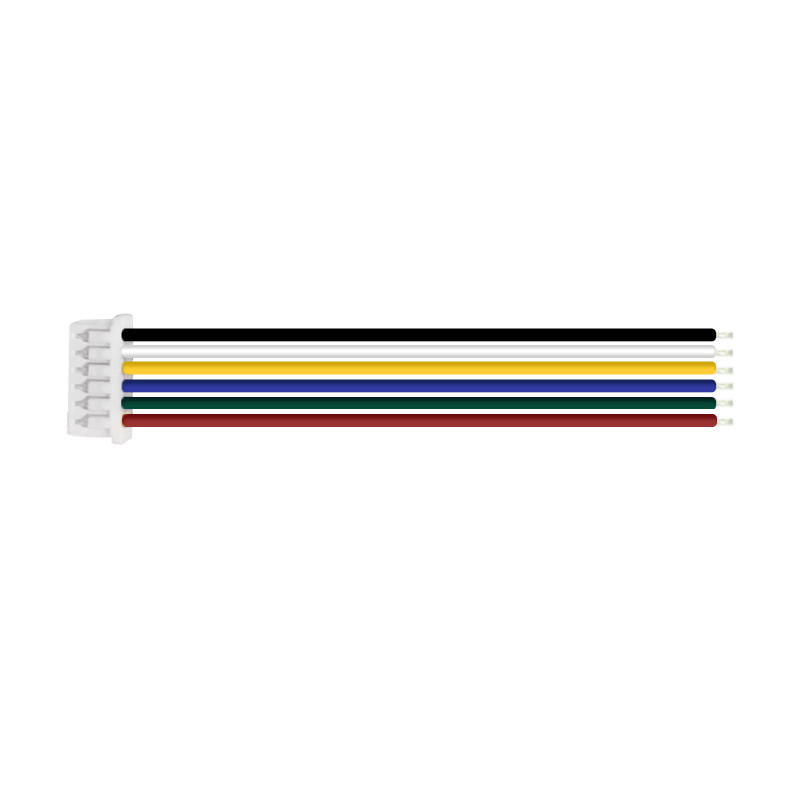 | 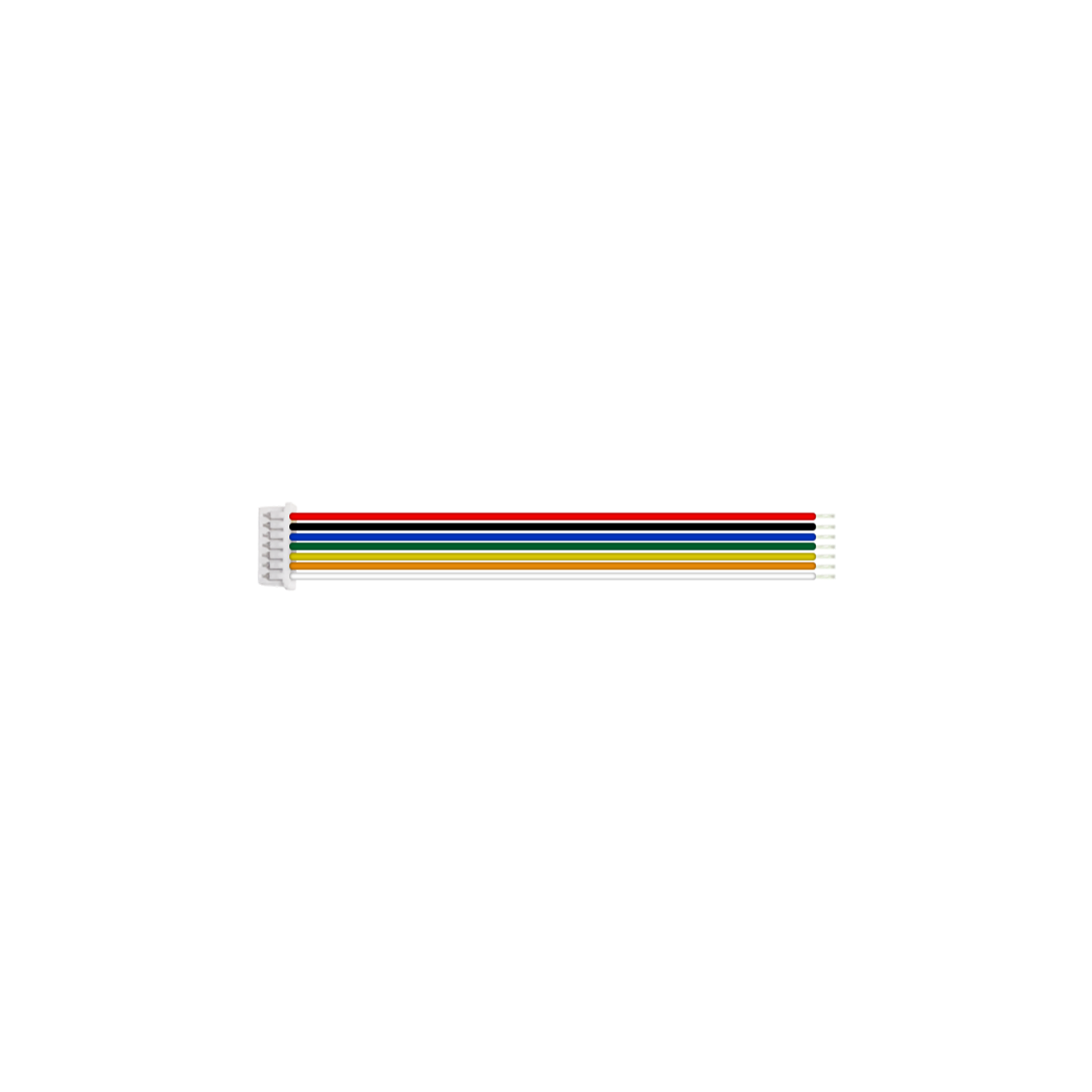 |  |  |
LVDS Coaxial Cable (80mm), Customizable Length (Optional) | Network Cable (360mm) (Standard) | — — | — — | — — |
 | ||
a. Interface board assembled with Sony Block camera FCB-ER9500 | b. Interface board assembled with Sony Block camera FCB-EW9500H | C. Interface board assembled with Sony Block camera FCB-ER8530 |
*Note: The product supports individual purchase or "block camera+interface board" package purchase. The whole set comes without pre-installation by default. Specify installation needs when ordering.
Preparation
|
|
| —— | —— |
Feference model:FCB-ER9500 | 30Pin LVDS Coaxial Cable | Network Cable | —— | —— |
Connection Steps
Physical Assembly Steps Only (No Electrical Work)
Notes: The steps demonstrate physical connection only-electrical connection is excluded. No image output at this stage. For electrical connection assistance, contact technical support.
|
|
|
Step Ⅰ: 1.Connect one terminal of the 30-pin micro coaxial cable to the UHD block camera (as shown in Figure ① above). 2. Connect the other terminal of the 30-pin micro coaxial cable to the 4KP60 IP board (as shown in Figure ② above). Warning: Gold pins facing up | No reverse insertion (risk of device damage) | Step Ⅱ: 3. Insert the power cable into the corresponding connector socket on the interface board.(as shown in Figure ③ above). | Step Ⅲ: 4. Insert the network cable into the corresponding connector socket on the interface board.(as shown in Figure ④ above). |
Thank you very much for purchasing our company's products. If you have any questions, please feel free to contact us.
The photos and actual objects depicted in this Manual are provided solely for reference and guidance to users.
We do not guarantee that they are completely identical to the actual products. Please refer to the actual products.
Design, features and specifications are subject to change without notice.
| Image | Product Name |
|---|---|
 | FCB-ER9500 Sony 4K60P HDMI-Compatible Output 25X Zoom Block Camera |
 | FCB-ER8530 Sony 20X Zoom Block Camera 4K HDMI Compatible Output |
 | FCB-EW9500H Sony HDMI-Compatible CMOS 30x Zoom Block Camera |
 | FCB-ES8230 Sony 4K HDMI-Compatible Ultra HD 12X Zoom Block Camera |